Local processing
Documents are generally processed on your Windows PC.

A fast and easy Windows app for your PDF tasks, processed locally on your PC.
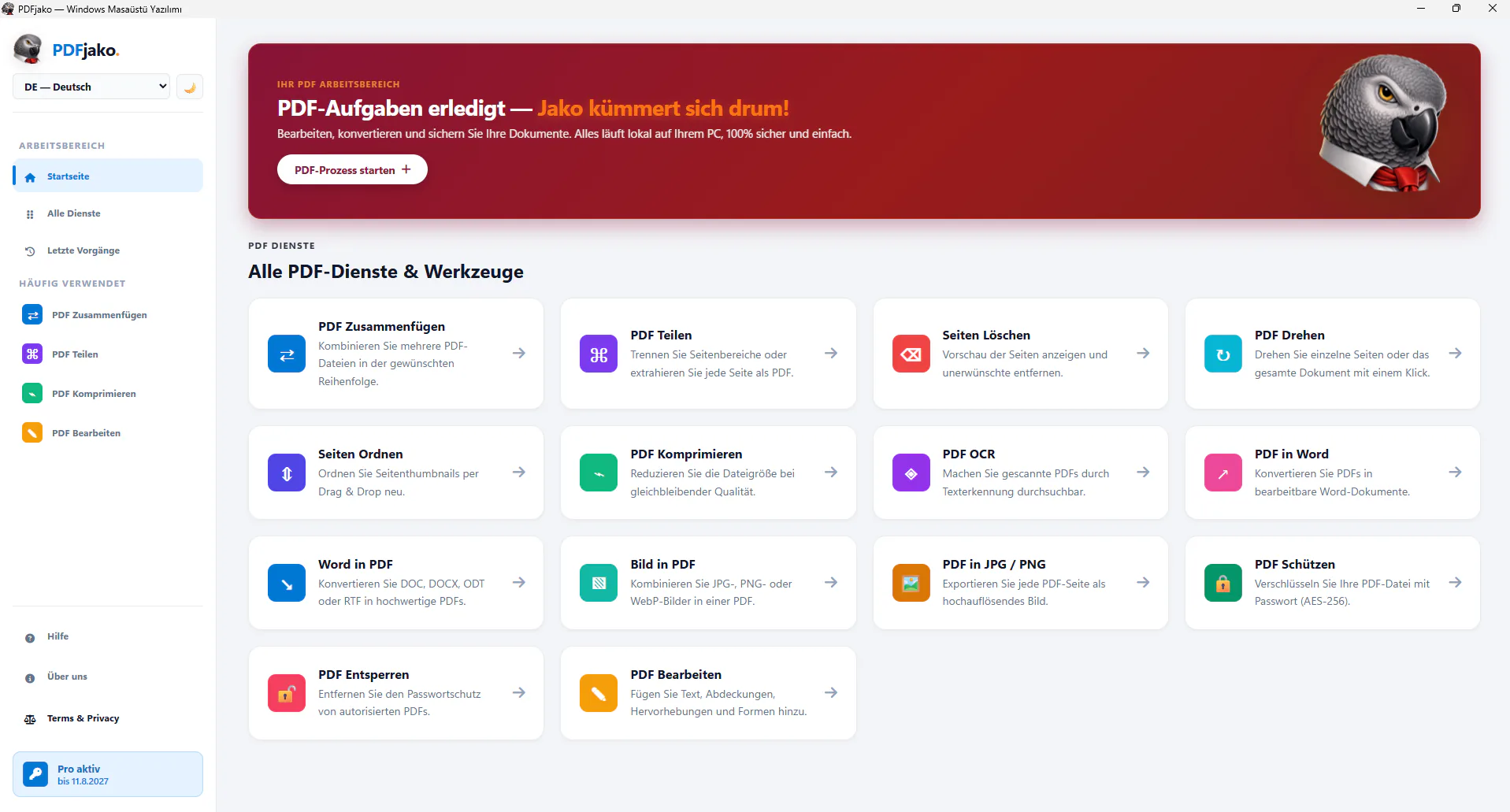
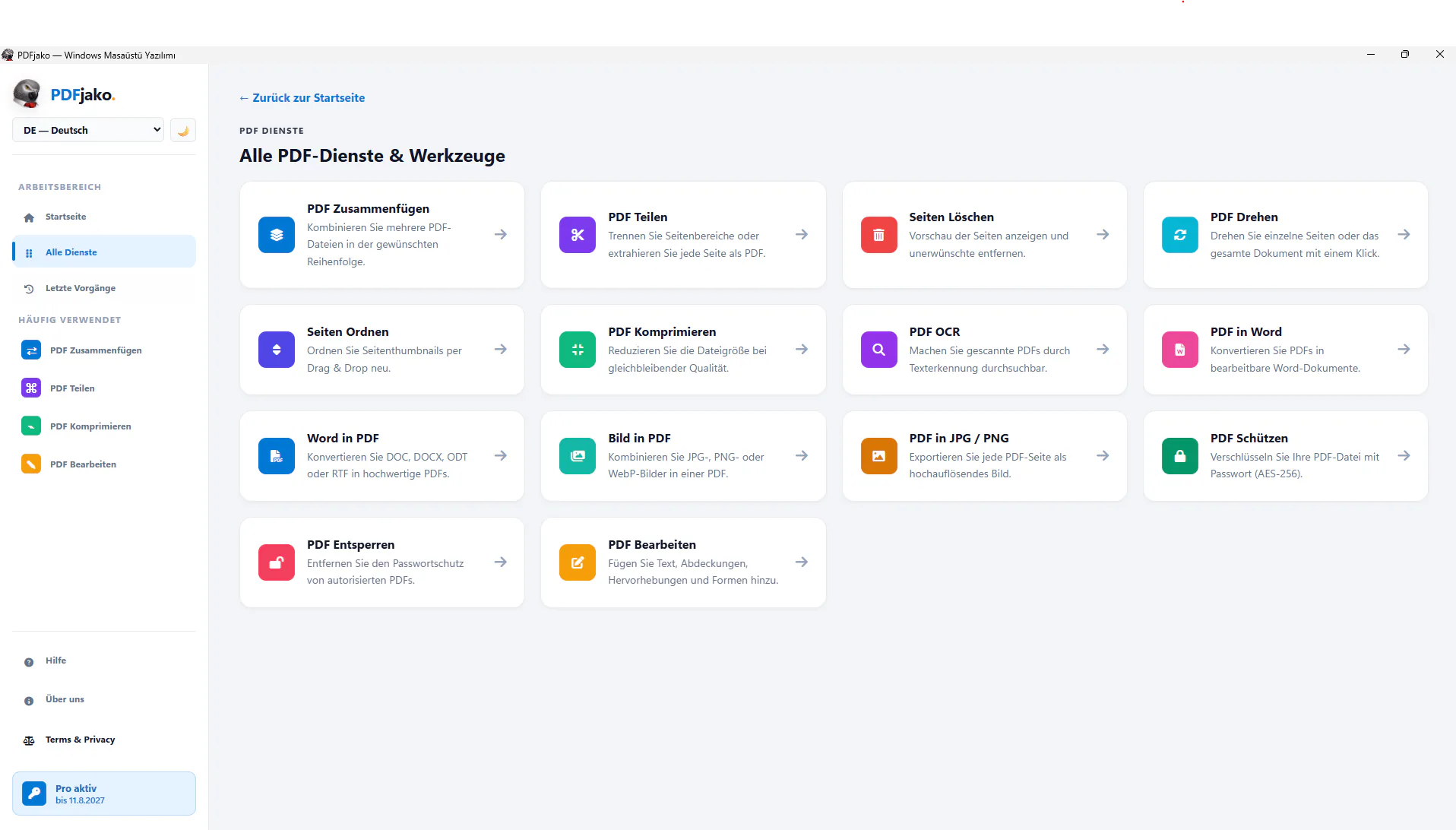
PDFjako puts the most useful PDF tasks into one program. Choose your file, click the tool you need and save the result to your computer. Merge, split, compress, edit, convert to Word and protect documents with 14 easy-to-understand tools.
A clear workflow from start to result: choose a tool, drop in your file and process it locally.
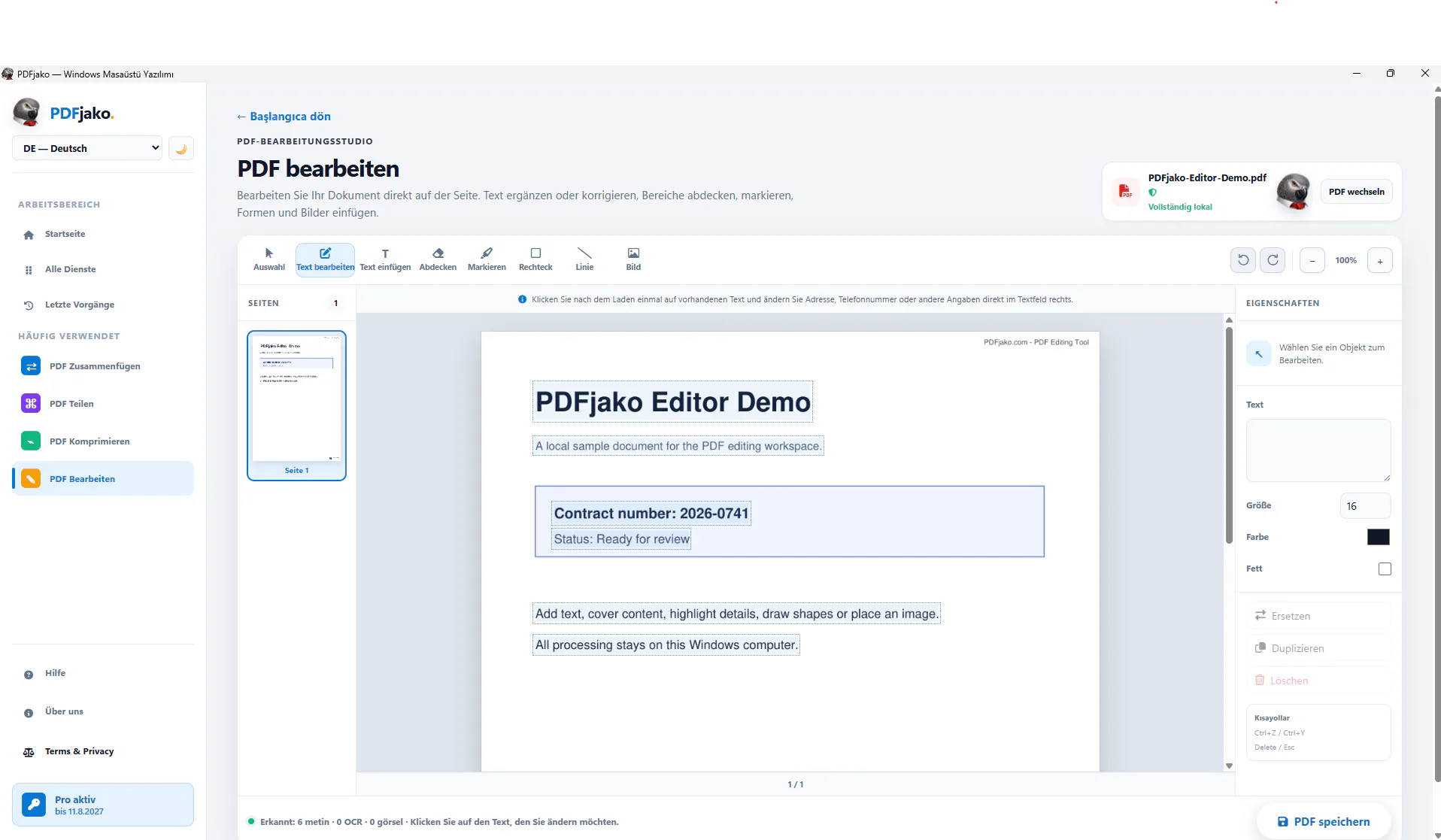
Documents are generally processed on your Windows PC.
Merge, split, compress, convert, protect and more.
Selected basic tools can be used without a Pro license.
A device-bound license unlocks the complete feature set.
After downloading, compare the SHA-256 checksum if needed.
84CD2A162ACD23D10AD79A5D545382C90917DE97BD28CC00EC9F7A51FC9D30D9PDFjako is solely a technical document-processing tool. The user is entirely responsible for the content, usage rights, accuracy, lawfulness, backup and results of every uploaded, created, converted, edited, split, merged, protected or unlocked PDF and other file. Users must process only documents they are authorized to use and modify. To the extent permitted by law, Datenturm GmbH, PDFjako and its developers are not responsible for documents created or modified by users; mandatory statutory liability remains unaffected.
Read the complete terms at pdfjako.comContact us to find the right server solution or to request a custom quote.
Contact